

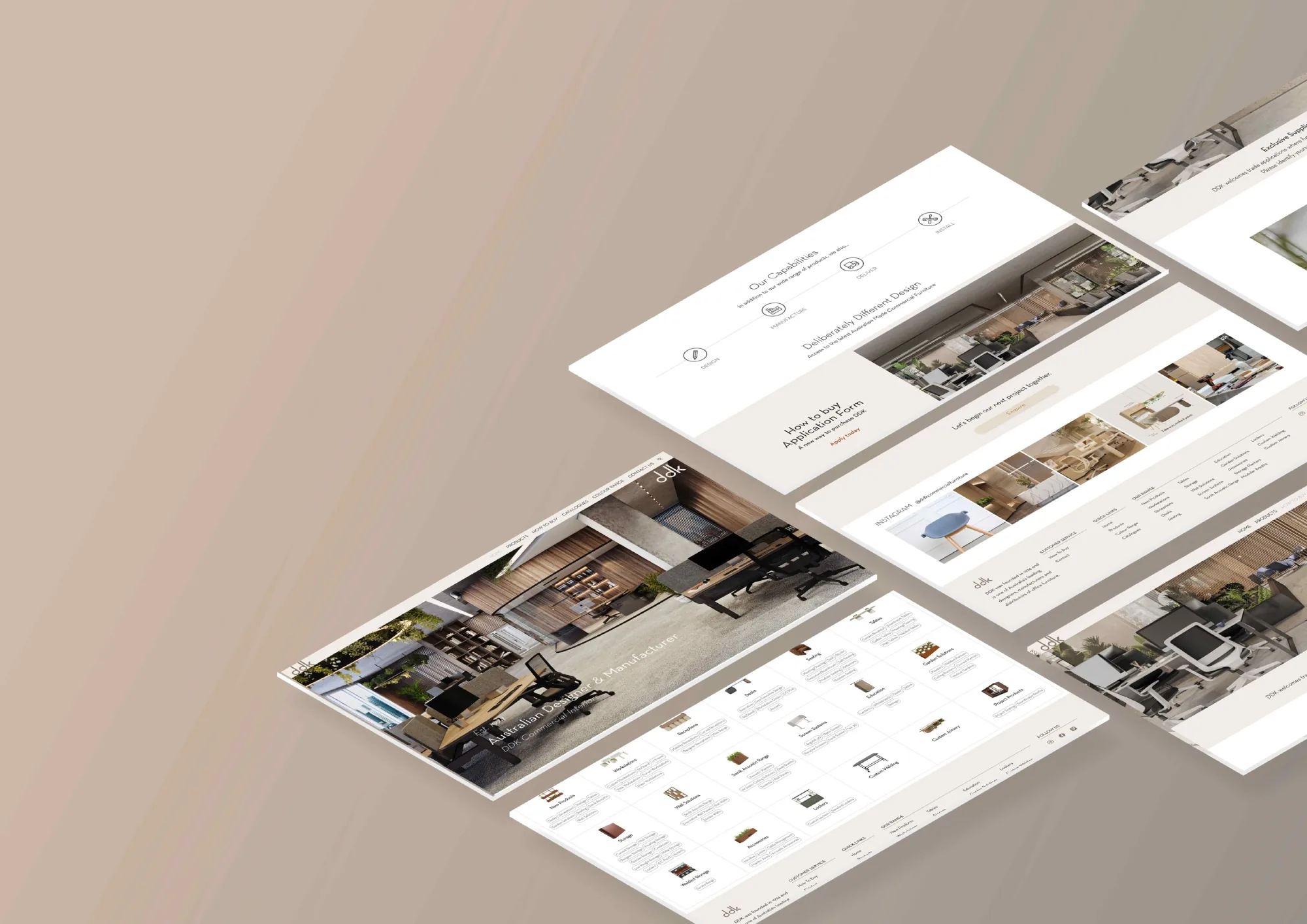

Web design
Kew.
Websites that back up the recommendation.
Design, build and ongoing care for Kew businesses.
Plan · Design · Build · Maintain
Emmpressit handles web design for Kew businesses that grow on referrals, including tutoring centres, family health practices, builders, advisers and the shops around Kew Junction. The same team covers website design and web development on WordPress, Shopify or Adobe Commerce, and the sites can take online enrolments, bookings and payments, with client logins where families need them. After launch we offer hosting, updates and daily off-site backups on a month-to-month plan.
- Based in Truganina, building sites across Melbourne
- WordPress, Shopify and Adobe Commerce
- Proposals within 48 hours, with scope and cost set out
- Redirects set up on rebuilds so rankings carry across
- Hosting month to month, with daily off-site backups
In Kew, most new customers already have your name.
A lot of business in Kew starts with a conversation at school pickup, on the sidelines of a Saturday game or over the fence. Someone mentions a tutor, a paediatric physio or a builder who did a good job on the house down the street. That evening, the person they told types your name into Google, and your website gets the final say on whether they get in touch.
We look after website design and builds for Kew businesses that live on that kind of word of mouth. Tutoring and education services, family health practices, builders and architects, advisers who look after wills and retirement planning, and the shops and cafés around Kew Junction. Our builds use WordPress, Shopify or Adobe Commerce, with custom features like enrolment forms and client logins added when a theme can't handle the job on its own.
 Web · Kew
Why does a recommended Kew business still lose enquiries online?
Usually because the website doesn't back up what the friend said, or it makes the next step hard to find. A referral gets you a visit, but it doesn't close the deal. The person arriving at your site has already heard you're good. What they're checking now is whether you look as good as the friend said, and whether it's easy to take the next step.
That changes how we plan a Kew website. Your home page doesn't need to shout for attention, because the visitor came looking for you. It needs to confirm the recommendation quickly, with photos of the people they'll deal with and a plain explanation of what you do and who it's for. Then the next step should be obvious, whether that's booking, enrolling or sending an enquiry. A site that makes someone hunt for a phone number can undo a good word from a friend in under a minute.
Sites for the businesses Kew relies on.
Planned around how your customers find you, and built so your team can keep them current.
Tutoring & education
Sites with term timetables, enrolment forms and online payment, so families can sign up without a phone call.
EnrolmentsFamily & child health
Practitioner profiles and new-patient booking for paediatric physios, OTs, speech pathologists and GPs.
BookingsBuilders & architects
Project galleries that show off renovations and new homes, with enquiry forms that capture the details you need.
PortfoliosWills, estates & advice
Calm, clear sites for lawyers and financial advisers, with guides that answer the questions clients ask first.
WordPressKew Junction shops
Online stores for local retailers who want their regulars to be able to order between visits.
ShopifyCafés & restaurants
Menus, opening hours and table bookings for the cafés and restaurants around Kew Junction and Cotham Road.
MenusHow do Kew parents choose a tutor or a children's health practice online?
Most choose by reading closely, often on the couch after the kids have gone to bed, with two or three options open side by side. Plenty of Kew businesses are picked this way, and the parent doing the reading is looking for a reason to trust one of them.
So we put the answers they're after where they'll find them. Who will be working with their child, and what's their background? How does the first session or appointment work? Pages built around those questions do a lot of quiet persuading. They also cut down the back-and-forth emails your team deals with every week, because the site answers the common questions before anyone has to ask.
A tutoring centre near Kew Junction
Take a tutoring centre a few doors from Kew Junction. It's well known among local families and fills most of its places through referrals. The website, though, is a single page with a phone number, and every enrolment means a call, an emailed form, a bank transfer and a spreadsheet update. At the start of each term the director spends evenings chasing paperwork.
A rebuild for a centre like that might include:
- Subject and year-level pages that explain how classes run and who teaches them
- An enrolment form that takes payment online and sends the family's details straight into the centre's CRM
- A parent login where families can see their bookings, update details and download invoices
- Term dates and timetables the staff can update themselves in a few minutes
The director stops chasing forms, families get a smoother start and the site finally matches the reputation the centre has built around Kew.
Can your own staff keep a Kew website up to date?
Yes, because we build on platforms your team can manage and set up the content so editing a timetable or adding a new practitioner is a short job rather than a support ticket. That matters more than it sounds. A site that needs a developer for every small change goes stale quickly, with term dates left wrong and a team page that still shows people who left last year.
Behind the scenes, we connect the site to the tools you already use. Enquiries can flow into your CRM, bookings can sync with your booking system where it allows, and new sign-ups can be added to your mailing list for our email team or your own newsletters. We also set up analytics, so you can see which pages people visit before they enrol or enquire.
From a first chat to a site that works.
You'll know the scope, timeline and cost before anything starts, and you'll deal with one team throughout.
Understand the brief
We learn how families or clients find you and what the site needs to handle. Then we send a proposal you can review.
Review the look
We design the key pages first, so you can see how the site will look and read before it's built.
Build & move across
We build and test the site on phones and desktops, bring your content across and redirect the old pages.
Keep it current
We host the site, handle updates and backups, and help with changes whenever you need them.
How do families new to Kew find you without a referral?
They find you through search, so your site needs clear page titles, quick loading and copy that names Kew and the suburbs around it. Someone who has just moved in and wants a maths tutor or a speech pathologist won't have a friend to ask yet, and they'll type the service rather than your name.
We build that in from the start, with copy that mentions the surrounding suburbs you serve, like Kew East, Hawthorn and Balwyn. If you're moving from an older site, each old page gets a redirect to its replacement, so links and rankings carry over. Our SEO team can then take on the ongoing local search work, including the Google Business Profile reviews that a lot of Kew families check before they call.
Web design in Kew: common questions
Most of our clients in Kew come through word of mouth. Do we still need a better website?+
Usually, yes. Nearly everyone who hears about you will look you up before they get in touch, so the website is where a referral either turns into an enquiry or quietly fades. A clear, current site makes sure the recommendation holds up.
Can families enrol and pay for a term online?+
Yes. We can build enrolment forms that take payment online and pass the details into your CRM or student management system, where that system allows it. It saves a lot of chasing at the start of each term.
We're a small practice near Kew Junction. Is WordPress the right fit?+
For most small practices, it is. WordPress is easy for staff to edit, handles booking and enquiry forms well and grows with you. If you sell products online, we might suggest Shopify instead. Either way, the proposal explains the reasoning.
Can you set up a login area for our clients or families?+
Yes. We build client and user portals where people can see bookings, update their details or download documents. We'll work out with you what needs to sit behind the login and what should stay public.
Who looks after the website once it's built?+
We can. Our hosting and maintenance includes security, platform updates and daily backups kept off-site. It runs on a monthly basis with no lock-in, and if you'd like a quote for a new build, a proposal will be with you within 48 hours.
How much does a website for a Kew tutoring centre or practice cost?+
That depends on the number of pages and what the site has to handle, such as online enrolment, payments or a parent login. We work out the scope with you first, and the proposal lays out the full cost before anything is built.
How long does a new website take?+
It depends on the size of the site and the custom pieces, like enrolment forms or portals. Your proposal includes an agreed timeline, and we design the key pages first so you see progress early.
Is the website design done by the same people who build the site?+
It is. We plan the website design first, from the look and page layout to how a parent gets from a tutor's profile to the enrolment form, then do the web development on WordPress, Shopify or Adobe Commerce, including enrolment forms, portals and the link to your CRM. You'll see the key pages designed before any of the build starts.
Good company for your site.
Hosting, search and print that help a new website keep working for you.

Care plans
Secure hosting, updates and daily backups on a month-to-month plan.
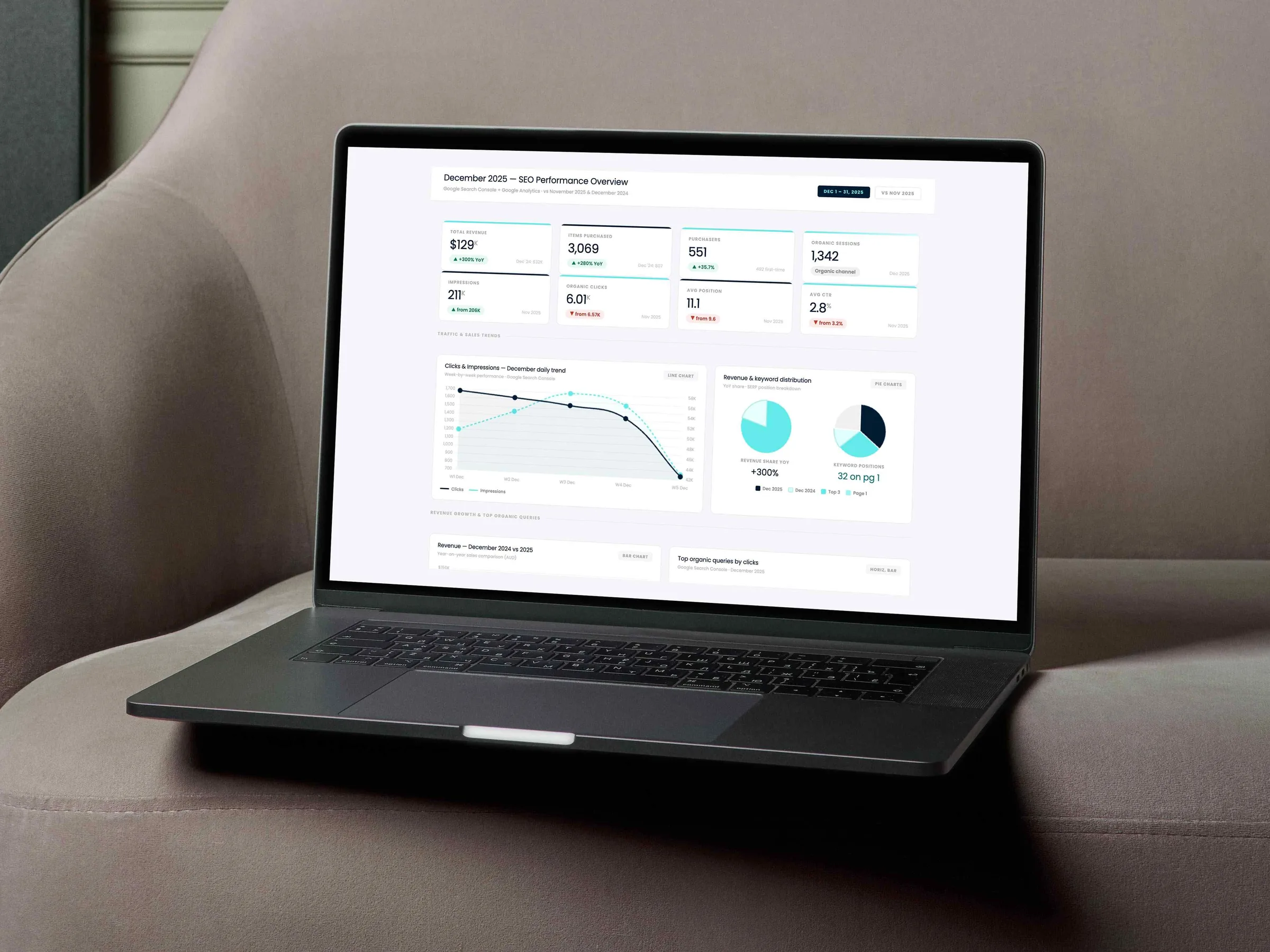
Search visibility
Ongoing local SEO so new families in Kew can find you without a referral.

Print for Kew
Brochures, enrolment packs and stationery to sit alongside your new site.
A Kew website that lives up to your name.
Tell us about your business and how new customers usually find you. You'll have a proposal from us within 48 hours.